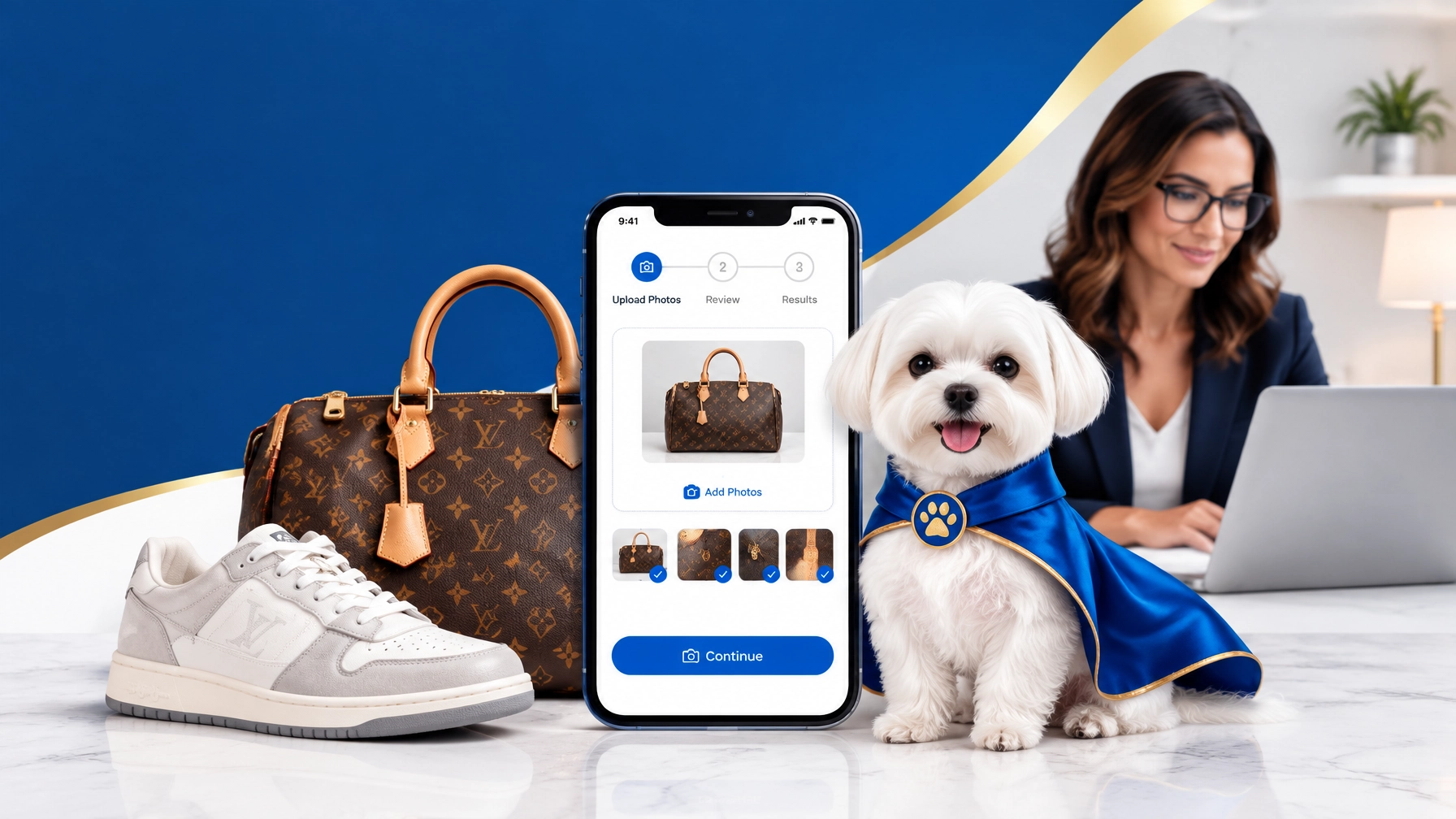
How many times have you found a designer bag, sneaker, or luxury accessory online and asked, “Is this real?”
That question matters whether you are:
- Buying a secondhand item from a marketplace
- Reselling thrifted luxury goods
- Running a TikTok or Instagram shop
- Listing handbags on eBay, Poshmark, or another platform
- Buying inventory for a resale store
- Trying to avoid an expensive counterfeit
You do not always need to visit an in-person authenticator. With virtual authentication, you can submit detailed photos from home and receive a professional opinion remotely.
The key is using the right photos and choosing an online authentication service that combines technology with human review.
What Is Virtual Authentication?
Virtual authentication is the process of reviewing an item remotely through photographs, item details, and supporting documentation.
You take pictures of the luxury item. You upload them through an authentication platform or app. The system then reviews the item for brand-specific indicators, construction details, materials, labels, stitching, hardware, and other features.
A modern workflow may include:
- Photo upload
- Preliminary AI-assisted review
- Review by trained human experts
- Additional photo requests, if needed
- Final conclusion or authentication report
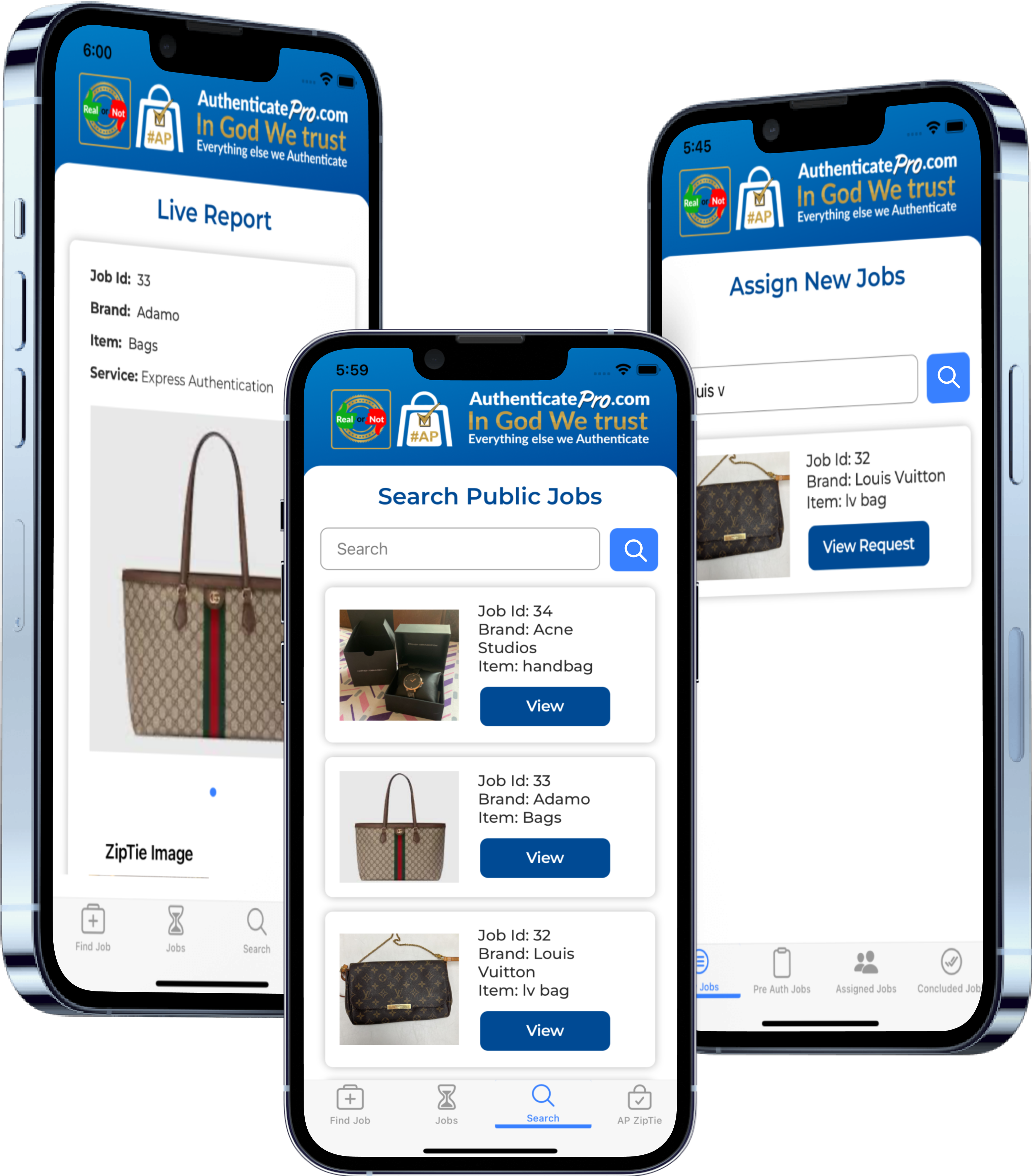
At Authenticate Pro, Daisy AI can assist with a preliminary finding. The request then moves to human experts for deeper review and a final conclusion. This escalation is important because luxury authentication is not just an image-matching exercise.
Small details matter.
Why AI Checks Should Escalate to Human Experts
AI is useful for speed and consistency. It can help identify visible differences in:
- Logo placement
- Font styles
- Stitching patterns
- Hardware shape
- Material texture
- Label layouts
- Common counterfeit indicators
But AI should not be treated as the entire authentication process.
Luxury brands change designs, materials, date codes, labels, and construction methods over time. Vintage items may look different from newer releases. Limited editions may have details that are not common in a standard image database.
A trained human expert can evaluate context that an automated system may miss.
That includes:
- Whether a date code matches the item’s production period
- Whether the hardware and interior construction belong to the same model
- Whether a logo is correctly spaced for that specific year
- Whether the stitching is consistent across multiple areas
- Whether the item may have been repaired, altered, or refurbished
- Whether the photos provide enough evidence for a responsible conclusion
This is why Authenticate Pro uses AI as assistance and escalates authentications to human experts. The company reports approximately 99% conclusion accuracy based on recent authentication activity.
The goal is not simply to return a fast answer. The goal is to provide a more reliable answer.

The Photo Checklist for Online Authentication
Your photos directly affect the quality of the review. Blurry, dark, incomplete images create delays. Clear and complete images help authenticators make a confident assessment.
1. Use Bright, Even Lighting
Take photos in natural daylight or under bright, neutral lighting.
Avoid:
- Flash glare on metal hardware
- Dark rooms
- Strong yellow lighting
- Heavy shadows
- Filters and beauty edits
- Overexposed white backgrounds
Use a plain background. Keep the item clean and visible.
Do not rely on a single image. Upload multiple photos from different angles.
2. Photograph the Entire Item
For handbags and designer bags, include:
- Front view
- Back view
- Both side panels
- Bottom
- Top opening
- Handles
- Strap attachments
- Corners
- Interior
- Any visible wear or damage
Show the item as a whole before submitting close-ups. This gives the authenticator information about the shape, structure, proportions, and overall construction.
3. Capture Logos and Brand Stamps
Take sharp close-ups of every visible brand mark.
Depending on the item, this may include:
- Exterior logo
- Interior brand stamp
- Embossed lettering
- Monogram pattern
- Logo hardware
- Zipper engraving
- Heel branding
- Insole branding
- Box or dust bag logo
Make sure the text is readable. Do not crop so tightly that the reviewer loses the surrounding stitching or material.
The position and spacing around a logo can be just as important as the logo itself.
4. Photograph Hardware From Multiple Angles
Hardware often provides valuable authentication evidence.
Photograph:
- Zippers and zipper pulls
- Clasps
- Buckles
- D-rings
- Studs
- Lock plates
- Chain links
- Screws
- Engravings
- Metal finish and color
Take at least one wider image showing where the hardware is attached. Then take close-ups of the hardware itself.
A close-up without context may not show whether the hardware is correctly positioned.
5. Include Date Codes, Serial Numbers, and Tags
If the item has a date code, serial number, authenticity tag, microchip, or NFC tag, photograph it clearly.
Also include:
- The surrounding material
- Stitching around the tag
- Interior placement
- Made-in stamp
- Care labels
- Size labels
- Composition tags
- Holograms
- Production codes
Do not assume a serial number proves authenticity by itself. Counterfeiters can copy serial numbers and codes. Experts review the code together with the item’s construction, placement, font, and production details.
6. Show Stitching and Materials
Stitching can reveal inconsistencies that are difficult to see in a full-item photograph.
Take close-ups of:
- Handle bases
- Corners
- Logo panels
- Strap attachments
- Interior pockets
- Seams
- Decorative stitching
- Reinforced areas
For materials, show leather grain, canvas texture, suede, mesh, patent finishes, or fabric patterns in focus.
Avoid excessive zooming after the photo is taken. Digital enlargement can make details appear sharper than they really are.
Handbag Authentication Photo Checklist
For handbag authentication and designer bag authentication, submit this minimum set:
- Full front, back, sides, and bottom
- Interior lining
- Brand stamps and logos
- Handles and strap connections
- Hardware and engravings
- Date code or serial information
- Made-in and care tags
- Corners and condition
- Accessories, if available
- Receipt, box, dust bag, or proof of purchase, if available
Supporting documents can help, but packaging does not establish authenticity on its own. A counterfeit can be sold with counterfeit paperwork. The item itself must be reviewed.
Sneaker Authentication Photo Checklist
For sneaker authentication, photograph both shoes separately and together.
Include:
- Lateral and medial sides
- Toe boxes
- Heel tabs
- Top-down view
- Outsoles and tread
- Tongue labels
- Size and production tags
- Insoles
- Stitching around logos
- Material overlays
- Box label
- Extra laces and accessories
- Any QR code, NFC element, or production marking
Make sure both shoes are shown. A mismatched pair may contain one authentic shoe and one counterfeit shoe.
How Long Does Online Authentication Take?
Turnaround depends on the service, item category, photo quality, and expert availability.
Authenticate Pro lists several service levels:
- Mini Check: Approximately 20 minutes to 12 hours
- Quick Check: Approximately 20 minutes to 12 hours
- Express Authentication: Approximately 15 to 60 minutes
- Level 2 Authentication: Approximately 12 to 48 hours
These timeframes begin after the service receives usable information. If photos are missing, blurry, or incomplete, the authenticator may request additional images.
For a time-sensitive sale, Express Authentication may be useful. For a high-value item or a complicated vintage piece, a longer review may allow more time for expert evaluation.
Always confirm current service availability, brand coverage, pricing, and guarantee terms before placing an order. You can review current options on the Authenticate Pro pricing page.
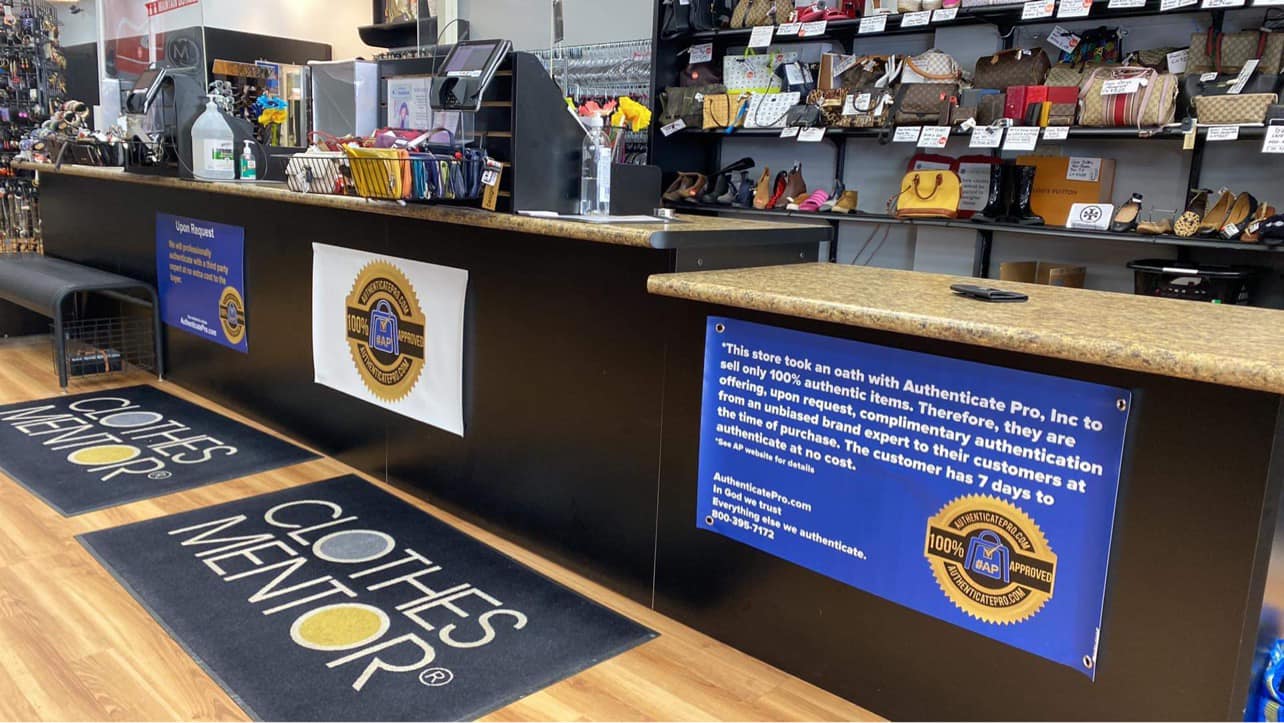
How Online Authentication Helps Resellers
Remote authentication can make your resale process more efficient.
You can authenticate an item:
- Before purchasing it
- Before listing it
- After receiving inventory
- Before accepting a buyer’s offer
- When a customer questions authenticity
- Before shipping a high-value order
For TikTok-style sellers and online thrifters, this creates a practical workflow:
- Find a potential luxury item.
- Photograph the item before buying or listing.
- Submit the photos for professional authentication.
- Review the conclusion.
- Decide whether to buy, list, return, or reject the item.
- Keep the report with your inventory records.
That process can reduce the risk of counterfeit losses, forced refunds, account complaints, and damage to your reputation.
What to Look For in an Online Authentication Service
Not every “legit check” provides the same level of review.
Look for:
- Human expert escalation
- Brand-specific knowledge
- Clear photo requirements
- Written conclusions or reports
- Transparent turnaround times
- A trackable order or report number
- Coverage for the brands and categories you sell
- Clearly stated guarantee terms
- Support for handbags, sneakers, and other luxury goods
Be cautious of services that promise certainty from one photo or rely only on an automated scan.
A responsible professional authentication service should be willing to say when more information is needed.
Authenticate Luxury Items Online With More Confidence
You can authenticate luxury items online without leaving your living room. You need a smartphone, good lighting, complete photos, and a professional review process.
The strongest approach combines:
- Convenient photo submission
- AI-assisted preliminary screening
- Human expert escalation
- Brand-specific analysis
- Clear turnaround expectations
- A report you can keep for your records
Authenticate Pro’s Real Or Not mobile app is built for remote authentication. It supports sellers, buyers, resale stores, and online shoppers who need a practical way to make better decisions before money changes hands.
If you regularly buy or sell luxury items, do not wait until a customer asks, “Is this real?”
Build authentication into your process from the start.

Leave a Reply