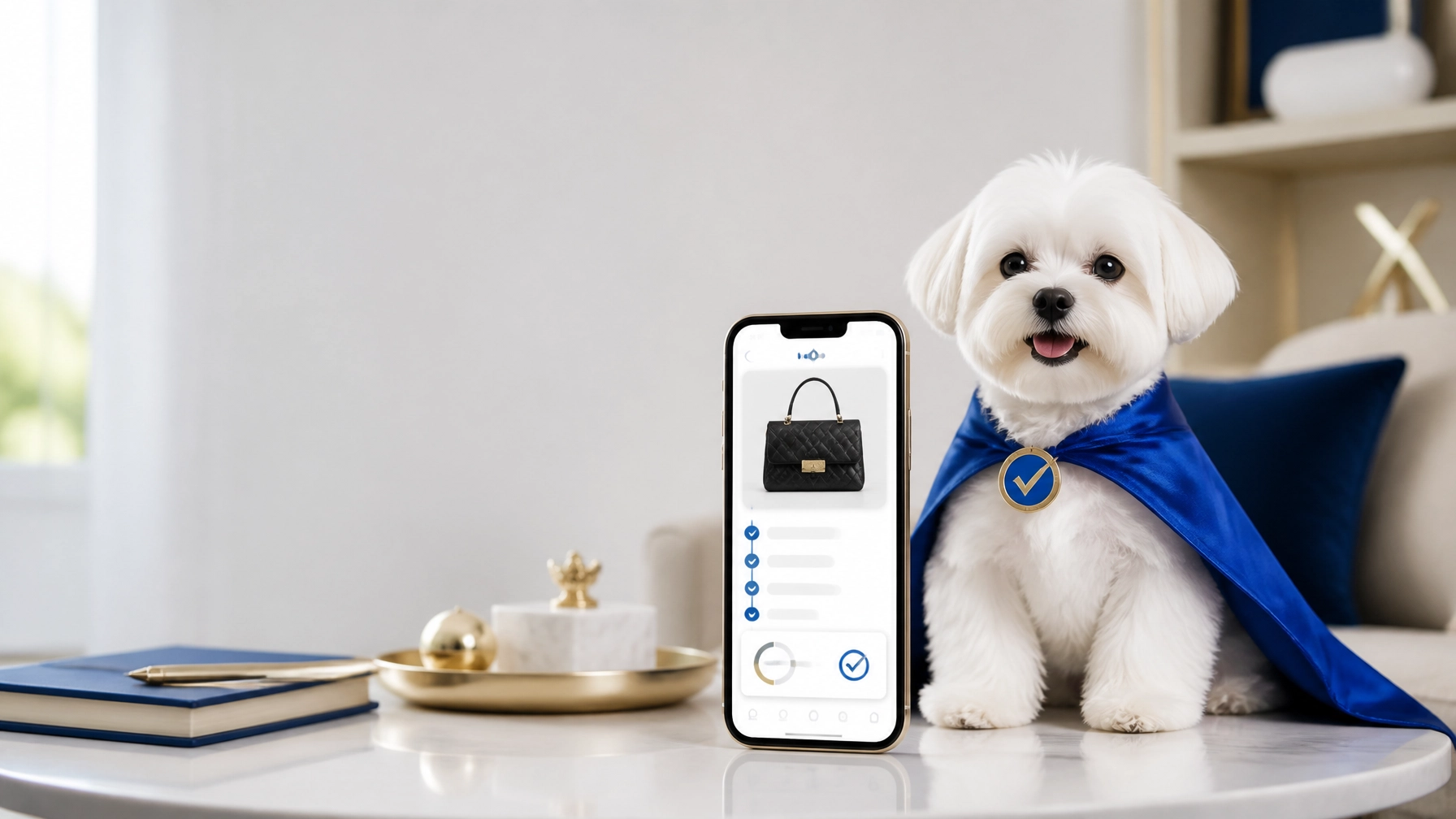
How many times have you asked yourself, “Is this real?”
If you buy luxury items online, resell designer goods, or source inventory from home, that question can affect every purchase. One counterfeit handbag, watch, pair of sneakers, or accessory can lead to lost money, customer disputes, returns, and reputational damage.
The good news: You do not always need to travel to a store or ship your item away. With a professional online authentication service, you can submit detailed photos from your living room and receive an expert conclusion remotely.
Authenticate Pro helps buyers and sellers authenticate luxury items online through its Real or Not by Authenticate Pro platform and mobile app. The process combines digital tools with human expertise. When an item requires a reliable conclusion, authentications escalate to approved human brand experts, with Authenticate Pro reporting approximately 99% accuracy based on its recent authentication history.

What Is Virtual Authentication?
Virtual authentication is the process of reviewing an item remotely through photographs and item details.
Instead of bringing a handbag, watch, shoe, or accessory to a physical location, you:
- Photograph the item at home.
- Upload the images through an app or website.
- Provide the brand and item information.
- Receive a professional authentication conclusion remotely.
This is especially useful for:
- Online thrifters.
- Poshmark, eBay, and social media sellers.
- Resale stores.
- Pawnshops.
- Remote buyers.
- Sellers sourcing inventory from different locations.
- Customers who want peace of mind before completing a purchase.
A phone, good lighting, and complete photographs are usually the starting point.
How to Authenticate Luxury Items Online
1. Choose a professional authentication service
Start with a service that provides more than an automated guess.
Look for:
- Professional authentication performed by trained brand experts.
- Clear service levels and turnaround times.
- A written or digital report.
- Support for the brands and item categories you handle.
- A transparent process for disputed or uncertain items.
- Optional protection or guarantee terms, when available.
Authenticate Pro’s platform supports authentication for 600+ brands, including luxury fashion, handbags, shoes, watches, jewelry, streetwear, eyewear, and other branded goods.
You can review current options on the Authenticate Pro pricing page.
2. Prepare the item before taking photos
Do not rush this step.
Experts can only review what they can see. Blurry, dark, incomplete photographs slow down the process and may make a reliable conclusion more difficult.
Place the item on a clean, neutral surface. Use natural light when possible. Avoid heavy filters, flash glare, and busy backgrounds.
For a handbag, photograph:
- Front, back, and side views.
- Bottom and corners.
- Handles, straps, and attachments.
- Interior lining.
- Brand stamp or logo.
- Serial number, date code, or other identifiers.
- Hardware, zippers, clasps, and engravings.
- Stitching, edge paint, glazing, and construction details.
- Dust bag, box, cards, or receipt, if available.
For shoes, include:
- Both shoes.
- Soles and insoles.
- Size and production markings.
- Logo placement.
- Stitching and materials.
- Box labels and accessories.
For watches and jewelry, include:
- Dial, case, back, clasp, and crown.
- Engravings and hallmarks.
- Serial or reference numbers.
- Movement details, when safely accessible.
- Packaging and documentation.
Do not alter or clean the item aggressively before submitting it. Repairs, modifications, replacement parts, and missing components should be disclosed.
3. Submit clear photos and item details
Use the Real or Not by AuthenticatePro app or the available Authenticate Pro platform to begin your request.
You may need to provide:
- Brand name.
- Item category.
- Model or style name, if known.
- Purchase source.
- Condition.
- Serial or date code.
- Any concerns you have about the item.
- Photos of included accessories or documentation.
Be accurate. If the item was purchased from a marketplace, estate sale, private seller, or thrift store, say so. Context does not replace authentication, but it helps experts understand the submission.
Why Human Experts Matter
Automated tools can assist with intake and preliminary findings. They should not be treated as the final authority for a high-value purchase.
Luxury brands change materials, hardware, labels, stitching patterns, date codes, and construction methods over time. Vintage items may look different from current models. Regional variations may also exist.
That is why Authenticate Pro’s workflow moves authentications to human experts.
An approved brand expert reviews the photographs and item information. Depending on the service and submission, additional experts may review or vote on the item before Authenticate Pro issues a final conclusion.
This escalation helps reduce the risk of relying on one automated result or one person’s opinion.

Authenticate Pro publicly reports approximately 99% accuracy for its authentication conclusions. Its membership information also references a 99.5% conclusion rate based on the last 2,000 authentications. These are company-reported figures, but they reflect the platform’s focus on expert review, accountability, and documented results.
Daisy AI Is Assistance: Not a Replacement for Experts
Authenticate Pro also features Daisy AI, a digital assistant designed to support preliminary findings.
Daisy AI can help make the online process more convenient. However, a preliminary AI result is not the same as a professional authentication conclusion.
For important buying and selling decisions:
- ✅ Use digital tools to begin the process.
- ✅ Submit complete and high-quality photographs.
- ✅ Request human expert review.
- ✅ Save the final report.
- ❌ Do not rely on a quick visual guess alone.
- ❌ Do not treat a social media opinion as professional authentication.
- ❌ Do not list a high-value item as authentic without appropriate verification.
The safest workflow is simple: technology supports the process, and human experts make the reliable conclusion.

How Long Does Online Authentication Take?
Turnaround depends on the service selected, the item category, photo quality, and expert availability.
Authenticate Pro currently lists several service options, including:
- Quick Check: approximately 20 minutes to 12 hours.
- Express Authentication: approximately 15 to 60 minutes.
- Level 2 Authentication: approximately 12 to 48 hours.
Express service may be useful when you are:
- Waiting to purchase an item.
- Preparing a same-day listing.
- Responding to a buyer’s concern.
- Processing inventory for a resale store.
- Working against a marketplace or shipping deadline.
Always check the current Authenticate Pro service details and pricing before placing an order.
What Happens After the Conclusion?
Once the review is complete, you receive the result through the platform or app. Depending on the service, you may also have access to a digital report or report of authenticity.
Save the report with your inventory records.
For sellers, documentation can help you:
- Support a listing.
- Answer buyer questions.
- Reduce unnecessary disputes.
- Train staff.
- Track inventory decisions.
- Demonstrate a commitment to authentic merchandise.
For buyers, a report can provide peace of mind before committing to a purchase or accepting an item.
Authenticate Pro also offers an AP Ziptie system for eligible workflows. A unique number can connect the item to a live report. If you use a Ziptie or guarantee option, review the current requirements carefully. Removing or tampering with the Ziptie may affect eligibility.
What Online Authentication Cannot Do
Remote authentication is convenient, but it still depends on the evidence submitted.
An expert may need more information when:
- Photos are blurry or incomplete.
- Key identifiers are covered.
- The item has been heavily modified.
- Parts have been replaced.
- The item is extremely rare or unusual.
- The submission includes conflicting information.
- The item cannot be safely evaluated from available images.
A request for more photographs is not a failure. It means the review needs stronger evidence before a conclusion can be made.
When in doubt, submit additional close-ups and disclose everything you know about the item.
Authenticate With Confidence From Home
You do not need to leave your living room to take a smarter approach to luxury resale.
With a phone and a professional luxury authentication service, you can:
- Photograph the item carefully.
- Upload the images remotely.
- Provide complete details.
- Escalate the request to human experts.
- Receive a documented conclusion.
- Make a more informed buying or selling decision.
That convenience matters. So does the confidence that comes from knowing your submission was reviewed by qualified professionals.
Ready to authenticate online?
Visit Authenticate Pro to learn more, download the Real or Not by Authenticate Pro app, or contact the team at 800-395-7172. You can also explore the membership options for resellers.
A few clear photos can help protect your money, your customers, and your reputation.
Leave a Reply